Three control layouts
Move between familiar buttons, a touchpad and a number keypad without reconnecting.
TV remote app for iPhone and iPad
Find a compatible TV on your Wi-Fi, pair once, and keep the controls you use every day on your phone.
Free to download. iOS and iPadOS 17 or later.
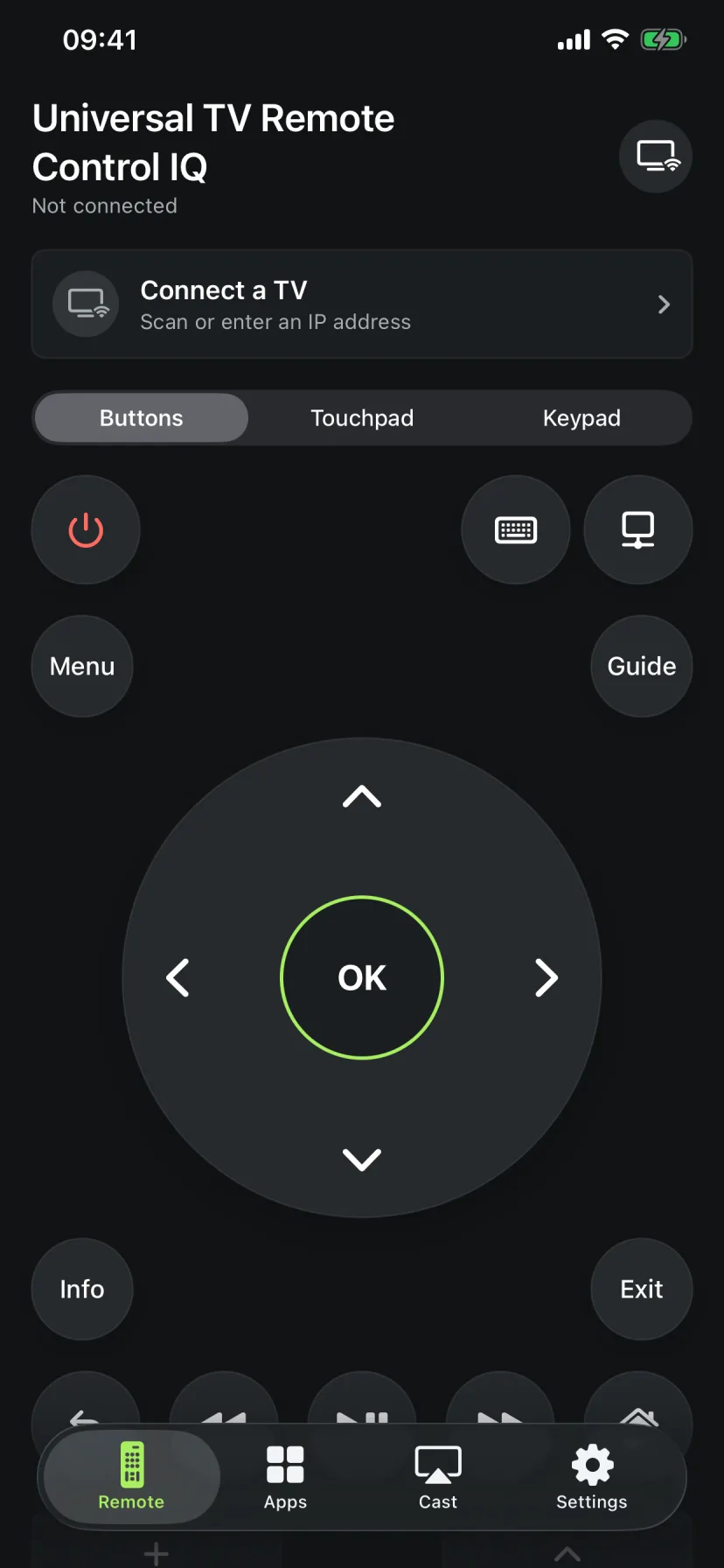
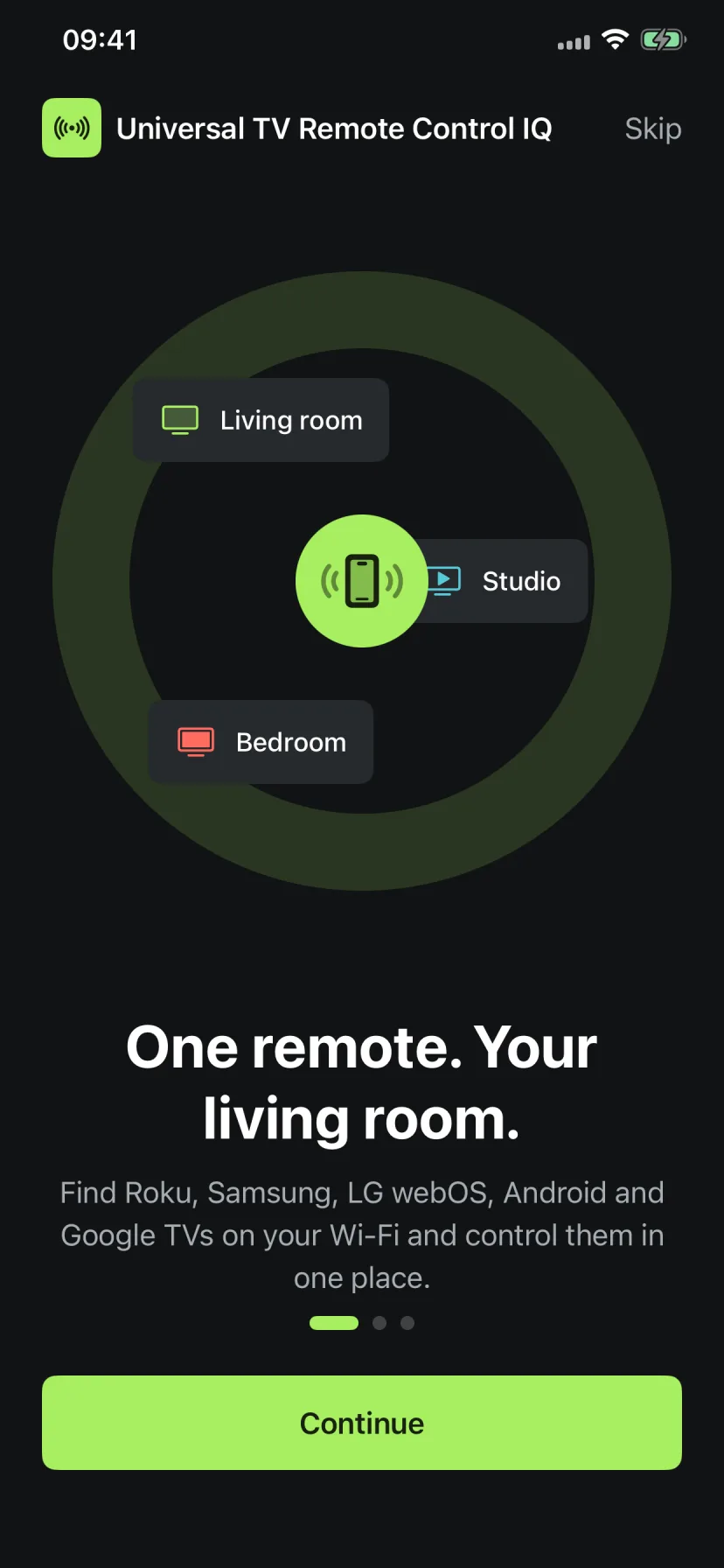
Remote Control IQ is built for the ordinary moments when the physical remote is under a cushion, out of batteries, or in another room.
Move between familiar buttons, a touchpad and a number keypad without reconnecting.
Browse and open installed apps on supported Roku and LG webOS TVs, with additional launch support on compatible platforms.
Choose media with the iOS photo picker and send it directly to an AirPlay-enabled display.
Let the app scan your network or connect with the TV's IP address when discovery needs a hand.
Compatibility depends on the TV model, software version and network settings. Available buttons and app launching can vary.
Roku TVs and compatible Roku streaming devices with mobile-app network control enabled.
SupportedCompatible Samsung smart TVs that allow mobile devices and show the pairing approval prompt.
SupportedCompatible LG webOS televisions with local-network control enabled.
SupportedCompatible televisions and boxes, including supported models from Sony, TCL, Hisense and Philips.
SupportedMost TVs connect in a minute or two. Keep the television switched on while pairing.
Connect the iPhone or iPad and the TV to the same local network.
Open the app and select the TV it finds. You can also enter an IP address manually.
Accept the prompt on Samsung or LG, enter the code shown by Android/Google TV, or allow Roku mobile control.
Pick buttons, touchpad or keypad, then control navigation, playback, volume and more.
These guides explain setup by platform, what the app can control, and the fixes worth trying when a TV does not appear.
How a universal TV remote app works on iPhone, which TVs Remote Control IQ supports, and what to check before you connect.
Read guide RokuConnect Remote Control IQ to a Roku TV or compatible Roku player, enable mobile control, and fix common discovery problems.
Read guide SamsungUse an iPhone as a Samsung TV remote, approve the connection on the TV, and resolve common Samsung pairing errors.
Read guide LG webOSPair Remote Control IQ with a compatible LG webOS TV, use touchpad and keypad controls, and troubleshoot LG connection prompts.
Read guide Android + Google TVPair an iPhone with Android TV or Google TV using the six-character code and learn which controls depend on the television.
Read guide iPhone setupA practical iPhone TV remote setup guide covering Wi-Fi, local-network permission, pairing, manual IP connection and everyday controls.
Read guideUse your iPhone or iPad as a Wi-Fi TV remote for compatible Roku, Samsung, LG webOS, Android TV and Google TV devices.
Yes, for a compatible Roku, Samsung, LG webOS, Android TV or Google TV on the same Wi-Fi network. Install the app, choose the TV and complete the TV's pairing step.
No. Remote Control IQ sends commands over your local Wi-Fi network, so your iPhone does not need an infrared blaster.
Check that both devices use the same Wi-Fi, turn off cellular-only or guest-network isolation, keep the TV awake and allow local-network access for the app. Manual IP connection is also available.
The app is free to download and includes advertising. Optional monthly and yearly Pro plans unlock unlimited remote presses, supported TV apps, screen mirroring access and an ad-free experience.
Download Universal TV Remote Control IQ and connect to a supported TV on your Wi-Fi.